

Java & Bedrock for PC · Switch 2 edition from 27 October 2026
Minecraft for free — let your PC foot the bill
Your PC can pay for Minecraft. It sits idle for hours every single day, and in those hours your graphics card runs AI jobs and builds a balance. Swap it in the GamerHash store for a Minecraft Java Edition key — on PC that redeems as Java and Bedrock in one package — and start building without spending your own money.
- Minecraft for PC (Java & Bedrock): about 10 days on an RTX 4090
- What you pay out of pocket: nothing
- What you have to do: leave your PC switched on
Three steps. That is the whole thing.
No subscription, no small print. You rent out your graphics card for AI compute and get paid for it — during the hours you were not using the machine anyway.

Switch it on, forget it
Install the app, hit EARN, get on with your day. Setup takes about a minute.


The card works, the balance grows
Not gaming? Your GPU runs AI jobs. Launch Minecraft? It steps aside instantly. You get paid by the hour.

Collect your key
Swap the balance for a Minecraft key in the GamerHash store and redeem it at minecraft.net/redeem.
How many days does your card need?
An RTX 5090 earns a Minecraft Java Edition key in about eight days, an RTX 4090 in roughly ten, a 4080 in twelve, and an older RTX 3090 in around 25. Pick your exact model in the calculator and see your own number — no promises, just arithmetic.
What your PC needs to earn
31.11 GUSD
RTX 5090 8 daysRTX 4090 10 daysEstimated at 8 idle hours a day.
Run it on your cardBalances are held in GUSD — an internal unit equal to 1 USD. How fast it adds up depends on your card, the hours it runs and current network demand.
The game itself, straight from the store
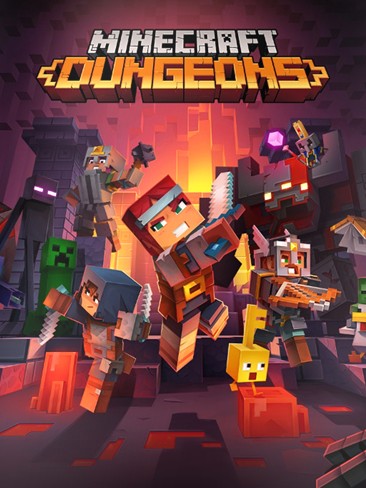
The GamerHash store stocks Minecraft itself: the Java Edition key, which on PC redeems as Java and Bedrock together, the Bedrock edition for Windows, and Minecraft Dungeons. Your balance buys the game outright, no gift card in between. Minecoins are a different story: the English catalog has no Xbox or Nintendo cards, so here the balance buys the game, not the coins.
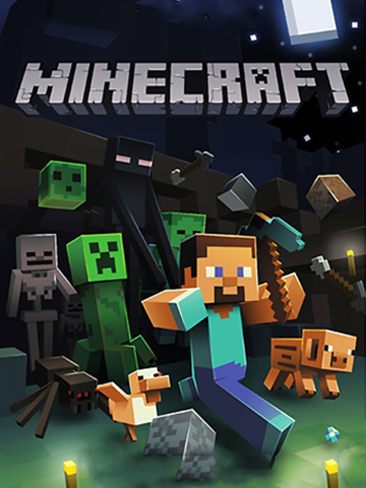
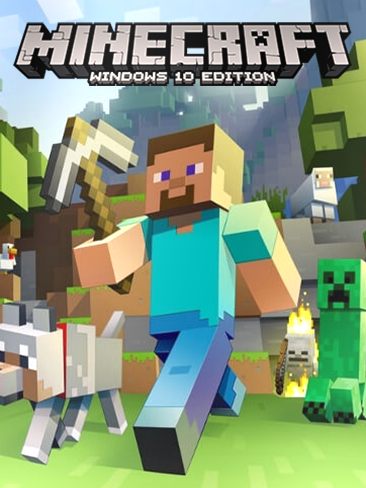
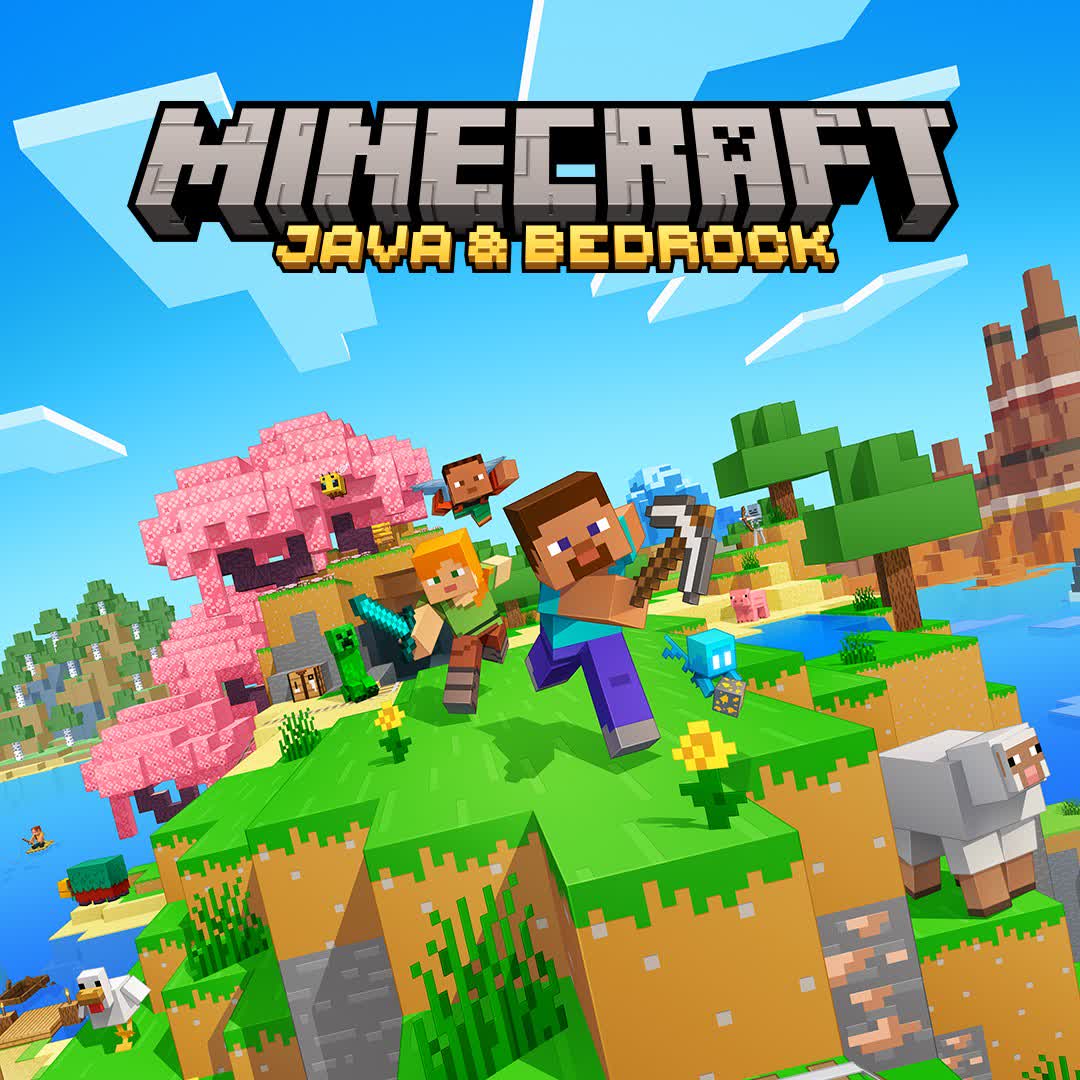
You redeem the Java key at minecraft.net/redeem with your Microsoft account, and both editions show up in the Minecraft Launcher. The Bedrock side includes the Marketplace, so the day you do buy Minecoins, they have somewhere to go.
Minecraft and Minecoins — the facts
Prices, editions and the Minecoins rules in one place — taken from the Microsoft Store, the Nintendo eShop and Mojang Studios’ own announcements.
- Release date
- 18 November 2011 (full Java Edition release)
- Platforms
- PC (Windows, macOS, Linux), Xbox, PlayStation, Nintendo Switch and Switch 2, Android, iOS
- Price on PC
- $29.99 for Java & Bedrock; Deluxe $39.99 (700 Minecoins), Ultimate $49.99 (1,000 Minecoins)
- Nintendo Switch 2
- Out 27 October 2026 at $29.99; free for digital Switch owners who claim it by 31 January 2027
- What Minecoins are
- The Marketplace currency in Bedrock Edition (Windows, Xbox, Nintendo, Android, iOS); not used in Java Edition
- Minecoin packs
- From 320 to 8,800 coins; the 1,020 pack is €5.99 / £6.00 on the Nintendo eShop
- Minecoins on Nintendo
- From 27 October 2026, coins bought on Switch stay on Nintendo; older balances move to a cross-platform Legacy Wallet
- Studio and sales
- Mojang Studios (Microsoft); over 300 million copies — the best-selling game ever
Source: minecraft.net (Mojang Studios), the Microsoft Store and the Nintendo eShop — prices as of October 2026.
Frequently asked questions
You build a balance with GamerHash AI and swap it in the GamerHash store for a Minecraft Java Edition key. On PC that key redeems as Java and Bedrock in one package, so you get both editions. Your graphics card covers the cost by running AI jobs during the hours the machine was idle anyway.
Your card is idle anyway. Put it on Minecraft.
Setup takes a minute. After that you leave the machine on and the balance climbs by itself — until the day you redeem the key and place your first block.
Minecraft, Minecoins and all related trademarks and artwork are the property of Mojang AB and Microsoft Corporation; Nintendo Switch is a trademark of Nintendo. GamerHash is not affiliated with Mojang Studios, Microsoft or Nintendo.