Skip to content

Download GamerHash AI

Run AI on your own GPU. Earn when your PC sits idle.

GamerHash AI on monitor

Digitally signed .exe · Windows 11

Local AI models: NVIDIA RTX GPU with 12 GB+ VRAM (16 GB+ for video generation).

Earning module: 24 GB+ VRAM with 32 GB+ RAM, or 16 GB+ VRAM (RTX 40-series or newer) with 64 GB+ RAM. Read more

What is GamerHash AI?

GamerHash AI is a free Windows app for NVIDIA RTX graphics cards. It runs AI models locally — chat, images, video, voice, OCR — and your data stays on your machine. On higher-spec PCs it also earns money by processing AI jobs while the computer sits idle. Spend what you earn in the Store on games, Steam keys and gift cards. Running since 2017, with over 820,000 registered users.

  • No surveys, no tasks — your PC earns on its own.
  • Share idle GPU power, the app handles the rest.
  • Spend earnings on games, Steam keys and gift cards.
  • Run chat, image, video and voice models locally.

How does it work?

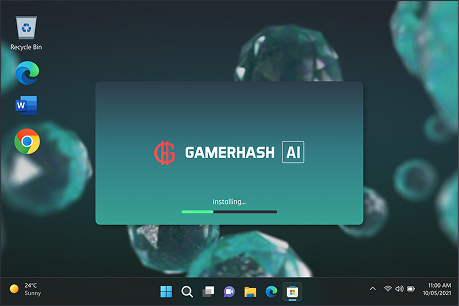
  1. GamerHash AI install and sign-in screen

    Install and sign in

    The app benchmarks your GPU once and matches it to suitable AI jobs. Setup takes less than 5 minutes.

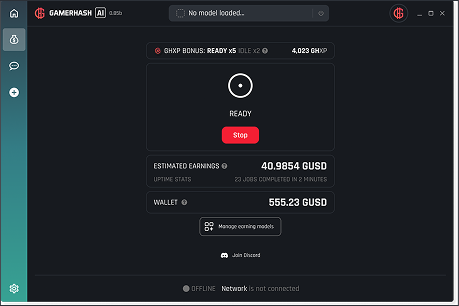
  2. Earnings panel in the GamerHash AI app

    Leave your PC on

    When you're not using the computer, the app pulls AI jobs from the network and runs them on your GPU. There's no queue to manage and nothing to pick.

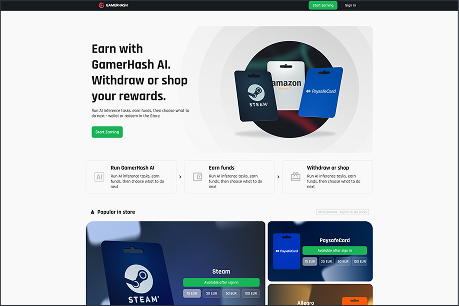
  3. GamerHash Store inside the app

    Spend your earnings

    Every completed job adds to your balance. Spend it on games, Steam keys and gift cards.

Your PC sits idle most of the day anyway.

Let those hours earn you gift cards and game keys.

  • Turned off
  • Working for AI
  • Playing games

Can I play games? Is this safe?

Yes, you'll be able to play.

AI jobs use the full GPU, so earning and gaming don't run at the same time. If you launch a game while the earning module is running, the app notices and warns you that your VRAM is in use — and asks you to close either the game or the module. Switching earning off takes one click, and full performance is back. Turn it on again when you're done playing.

Is the installer safe?

The .exe is digitally signed. You can check the publisher in the Windows certificate details before running it. If SmartScreen shows a warning, click “More info”, then “Run anyway”.

What about my data?

Your own AI chats and files never leave your disk — nothing is uploaded and nothing is used for training. Earning is opt-in; for network jobs we log only runtime, the model used and job status.

Will this wear out my graphics card?

The load is comparable to long gaming or rendering sessions. What actually matters is temperature, so keep good airflow. We recommend the latest NVIDIA drivers.

Who is behind this?

GamerHash has operated globally since 2017 and has over 820,000 registered users. Documentation and support are public.

What can you spend your earnings on?

Everything your PC earns goes straight to your account balance. Spend it on games, Steam keys, gift cards and prepaid codes.

Your balance is kept in GUSD — an internal unit of account equal to 1 USD. It's not a cryptocurrency and doesn't exist outside the platform. Spend it on games and gift cards, or withdraw it as USDC or GHX; bank transfers are not supported.

FAQ

  • Not yet. The earning module needs 24 GB VRAM with 32 GB RAM, or 16 GB VRAM (RTX 40-series or newer) with 64 GB RAM. Local AI features start at 12 GB VRAM for image generation, with 16 GB needed for video and full functionality. If your PC meets one of these specs, earning switches on automatically once your device type is approved — there's nothing to configure.

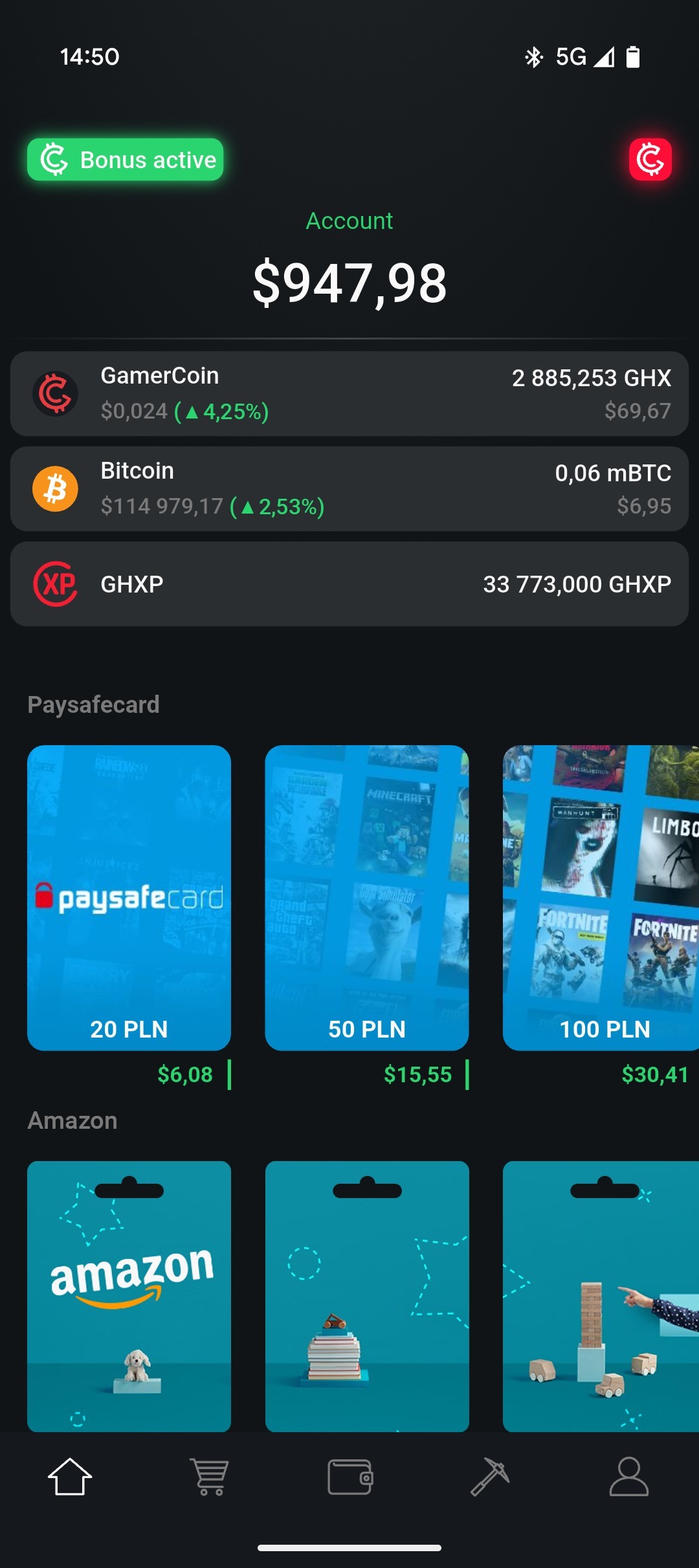
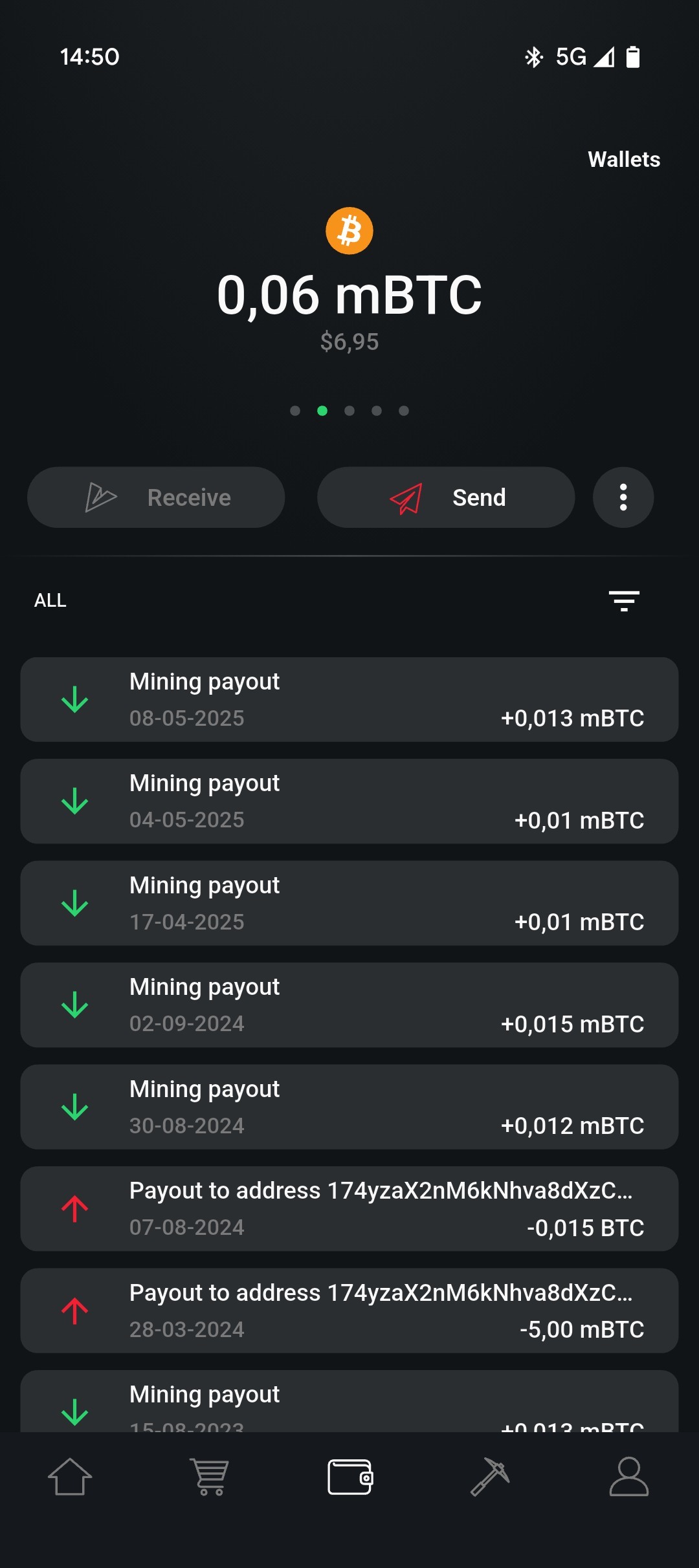
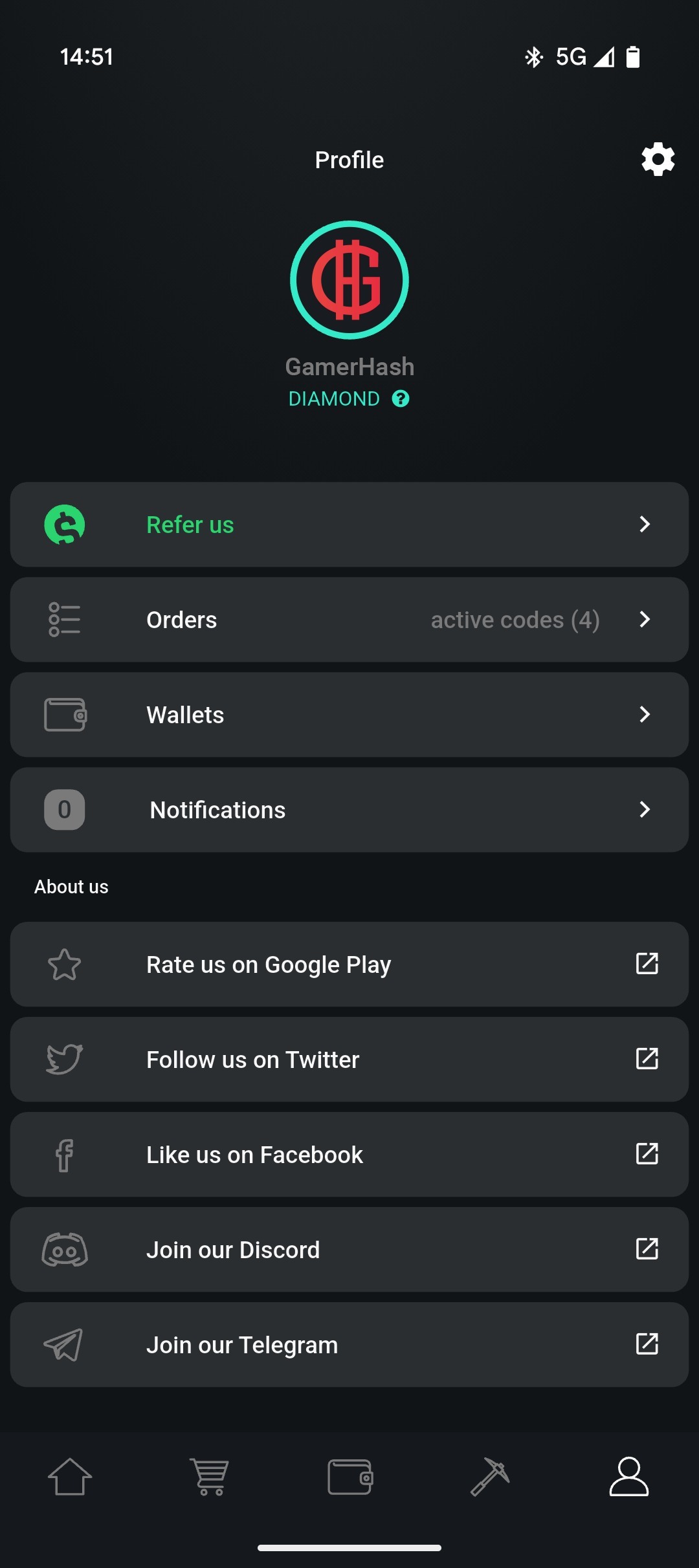
GamerHash Mobile app screenshotGamerHash Mobile app screenshotGamerHash Mobile app screenshot

GamerHash Mobile

GamerHash logo

Keep control of your earnings

Buy gift cards and games

Manage your worker devices

Five-star rating

Over 1,000 positive reviews!

50,000+ app downloads

We use cookies to improve your experience on the platform. Click "Accept all" to consent, or "Customize" to pick categories.