


Bitcoin Auto-withdraw
Auto-withdrawal feature allows you to automatically withdraw funds from your GamerHash wallet to the BTC (Bitcoin) address you specify. Auto-withdrawal is triggered in a 24 hour cycle after the preset balance threshold is exceeded.
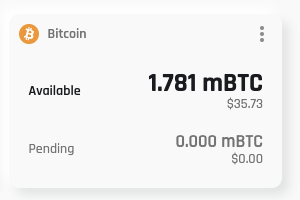
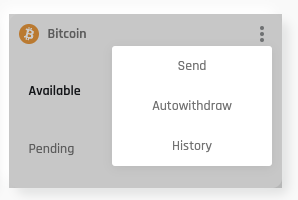
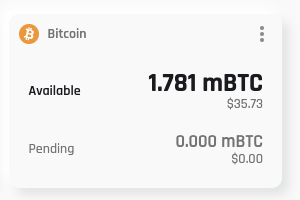
Auto-withdrawal can be set up from the user panel by clicking on the 3 dots next to the BTC (Bitcoin) wallet.
Next, click on the Autowithdraw tab.
If you don't have 2FA set up go to settings or see how to do it!
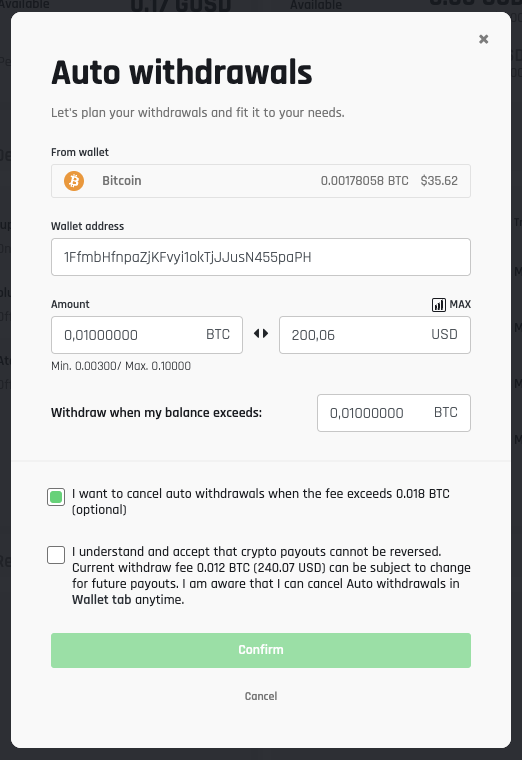
If you already have a 2FA, the auto-pay settings window will appear.
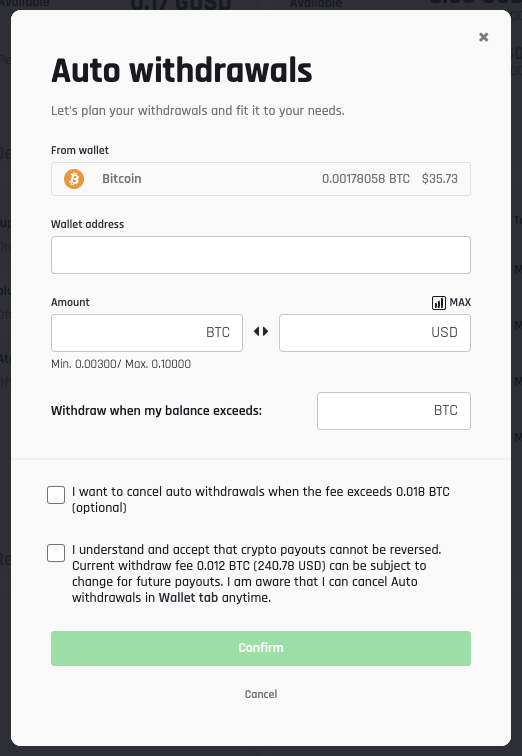
Automatic Withdrawals allow you to systematically withdraw your earned BTC (Bitcoin) funds under strict conditions. Withdrawals are made automatically in a 24-hour cycle when the balance is equal to the specified wallet value.
Auto-withdraw will be activated immediately upon entering the 2FA code.
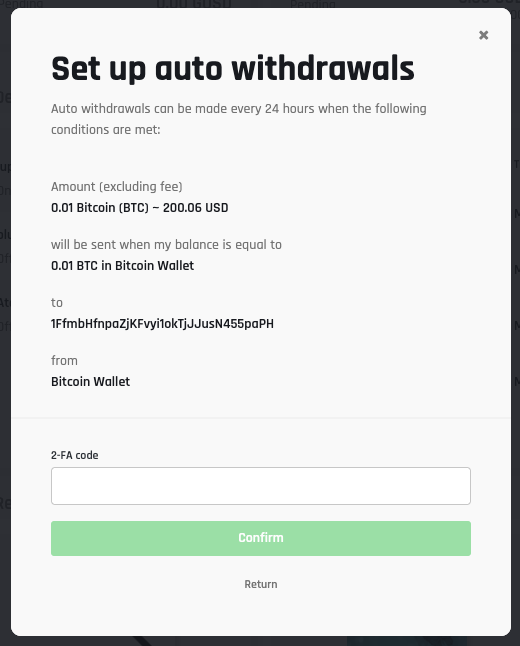
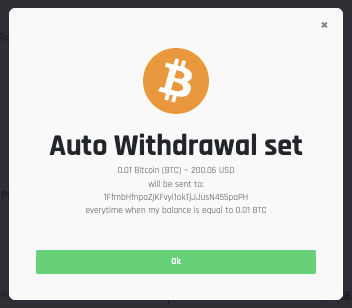
After entering the correct 2FA code, the user gets a message that confirms the automatic withdrawal setting:
Editing or deleting a auto-withdraw is possible by clicking again on "Autowithdraw" in the user panel.
From this level, the user has the option to delete the auto-withdrawal completely or edit it.
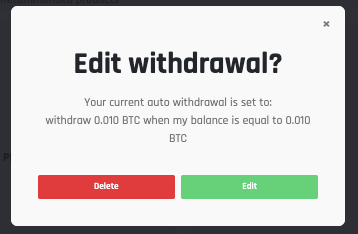
Choose the option that is right for you:
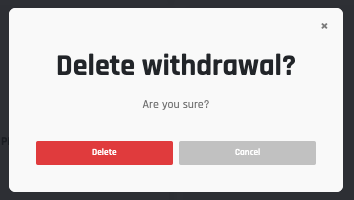
- Delete - Permanently delete the auto-withdrawal. No possibility of return.
- Edit - change the appropriate fields on the form
Was this article helpful?
Loading security check…